

Learn how to get perfectly applied foundation using your beauty blender with these easy steps.
A beauty blender is a fantastic tool for getting that flawless foundation application.
So many of my clients, though, are confused about how to use it and are not getting their desired results. So, I’m going to show you through step by step.
First, you MUST wet the sponge! Hold it under running water until it absorbs enough water that it doubles in size.

Now squeeze it really well into a paper towel until there is no water dripping and the sponge is just damp and really soft.

Now it’s ready to use!
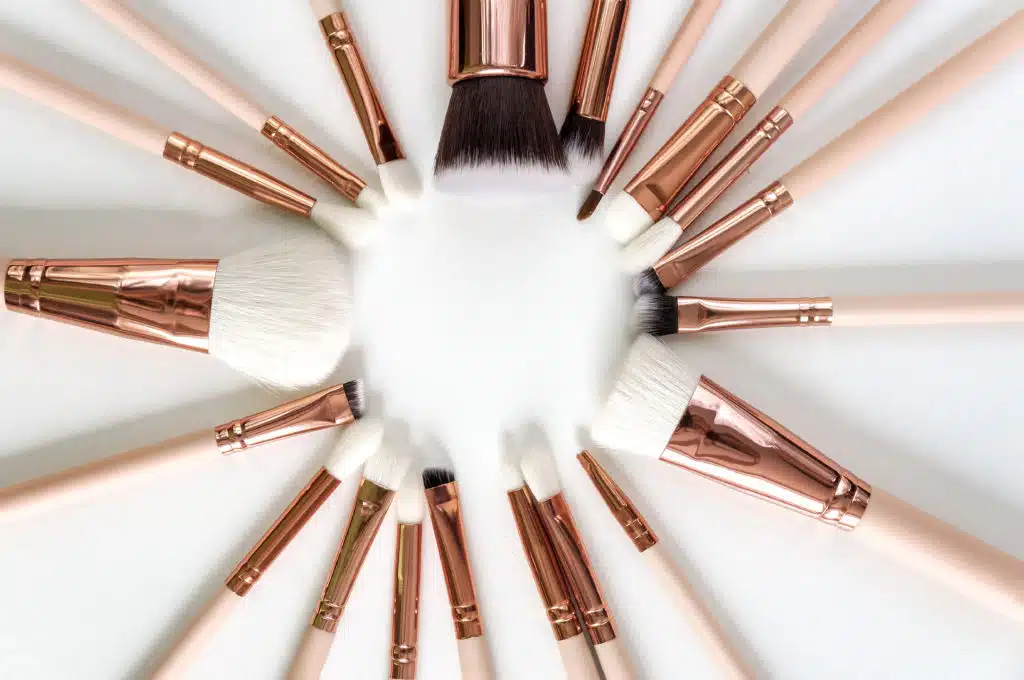
I like to apply foundation with a brush just to get it onto my face (the sponge is absorbent so it will just “eat” the foundation if you use it to get it onto face, thereby wasting product). Then, go over the foundation with the blender in a bouncing motion to get the foundation blended really well into the skin. Keep going until you’re happy.
The pointy side is really great for getting into small areas like around the nose and under the eye.
To clean the beauty blender:
Hold the sponge under running water and rub on a bar of soap (I use this one), keep squeezing and repeating until the water runs clear.









|