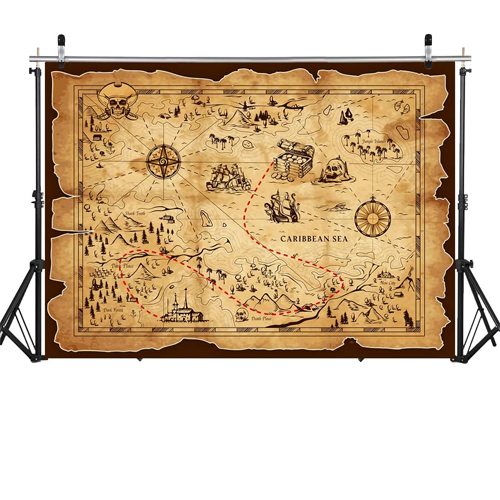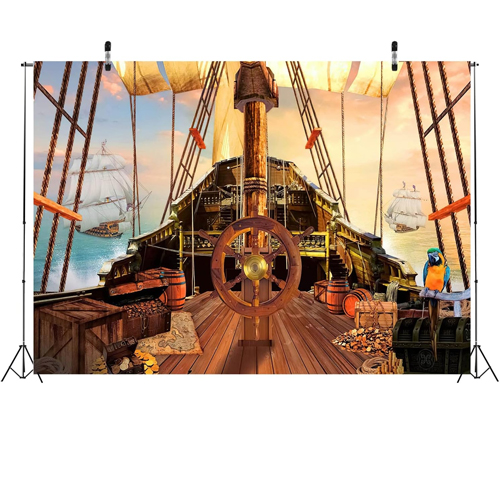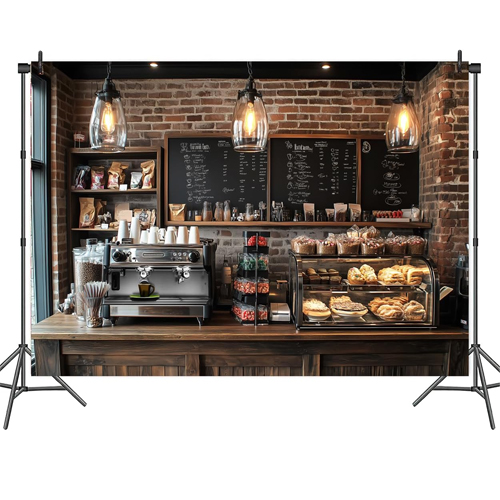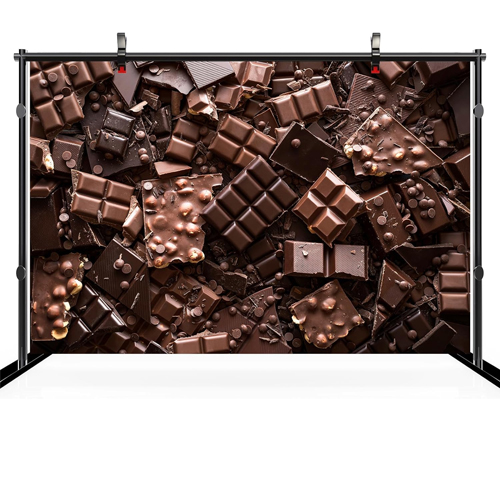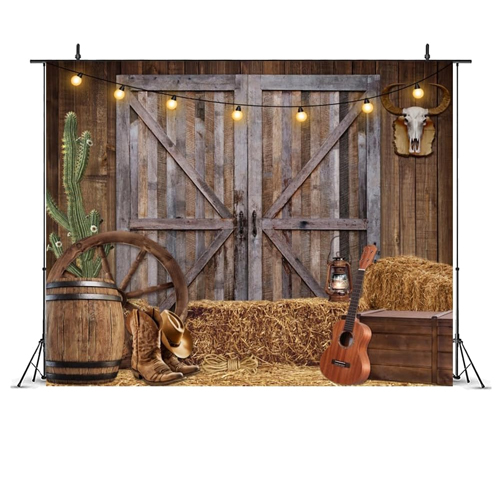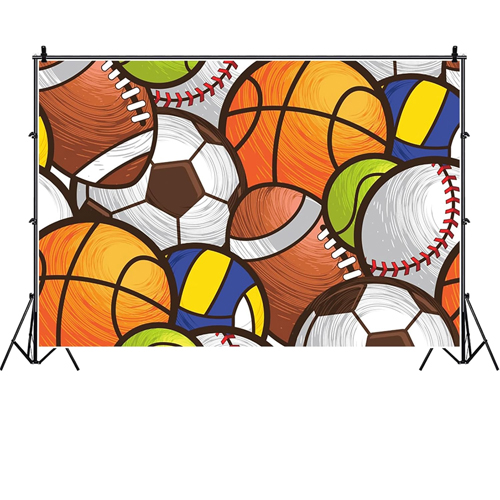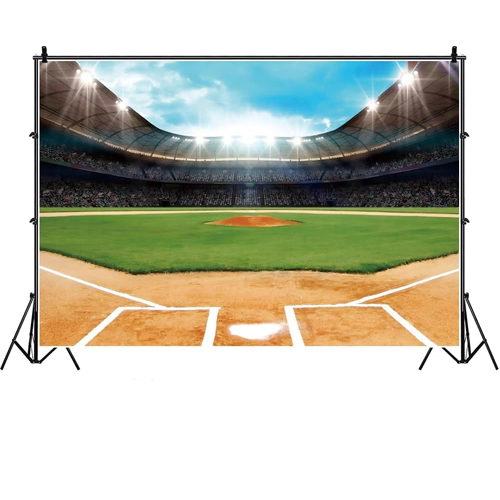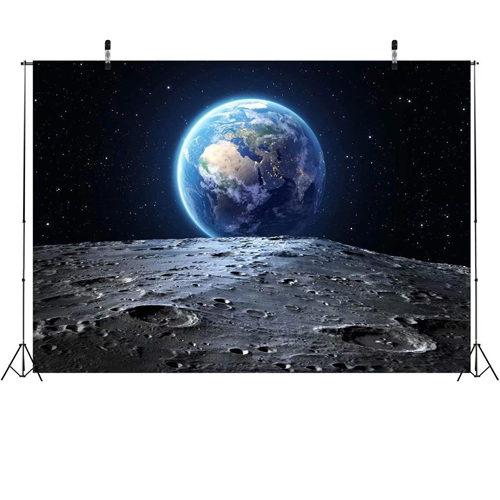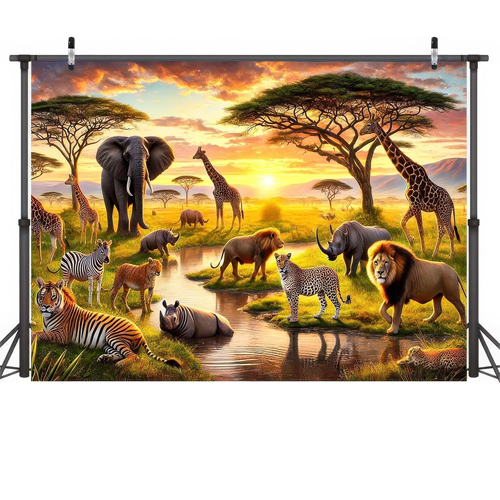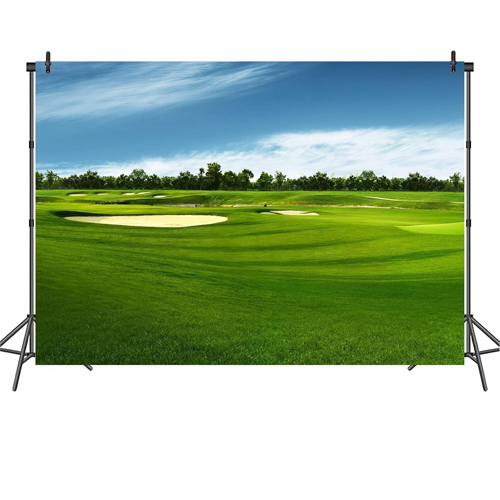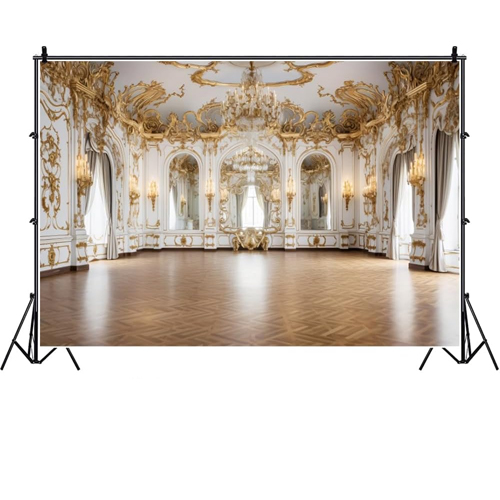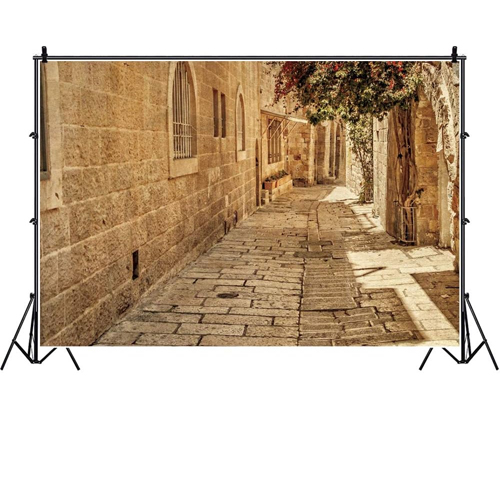
Add A Backdrop To Your Purim

It will complete your pictures and make your theme come alive.

Sometimes, it’s that finishing touch that pulls everything together. You know, the right label, the matching ribbon. Or, in this case, the right spot to take that family picture.

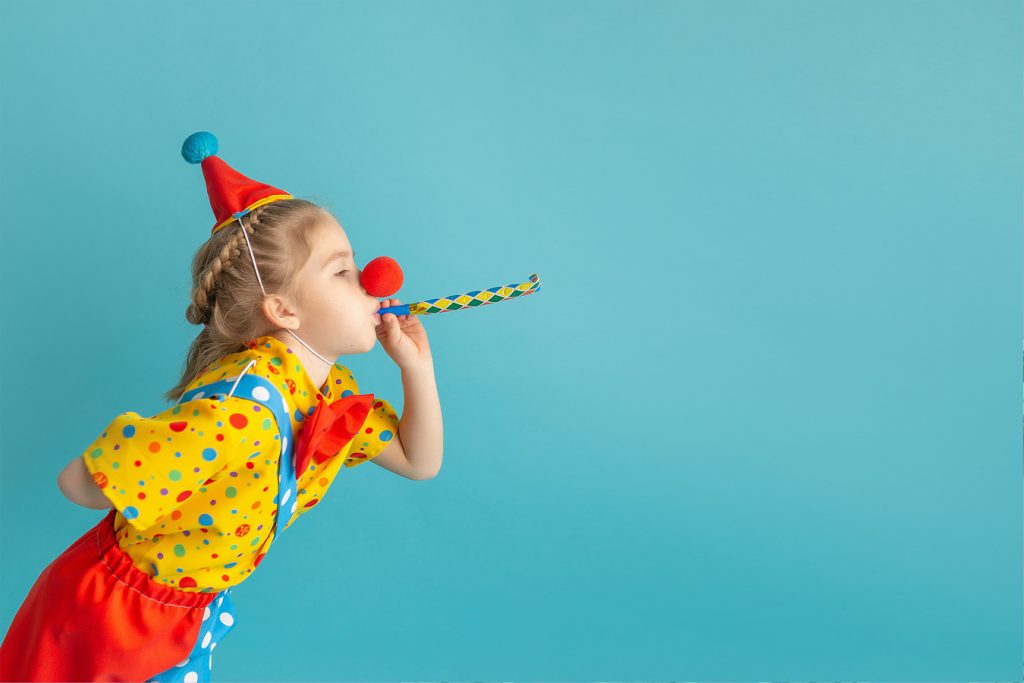
Your kids are all dressed in their costumes- they look adorable! The hours spent on Temu or scouring Purim stores finally feels like it was all worth it. They all look so cute and so happy. 

Phew! 

Let’s snap a picture? Yes!

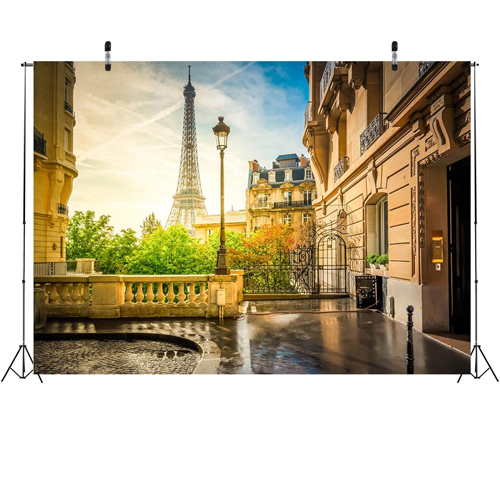
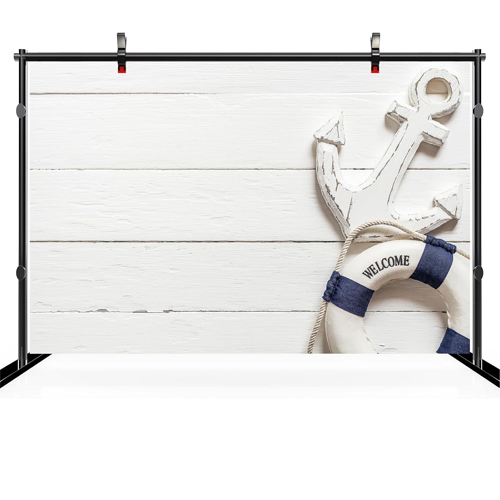
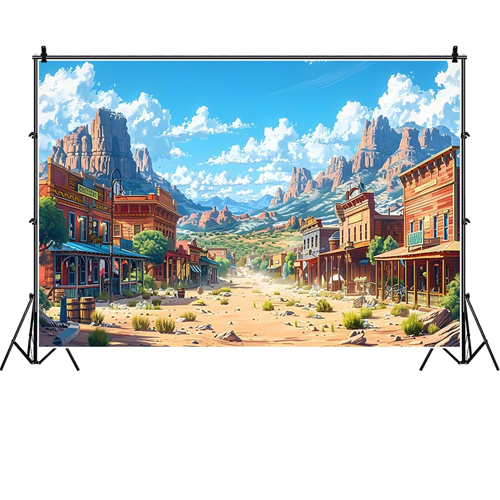
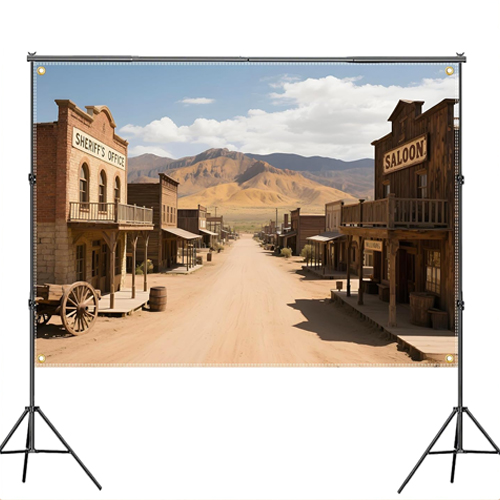
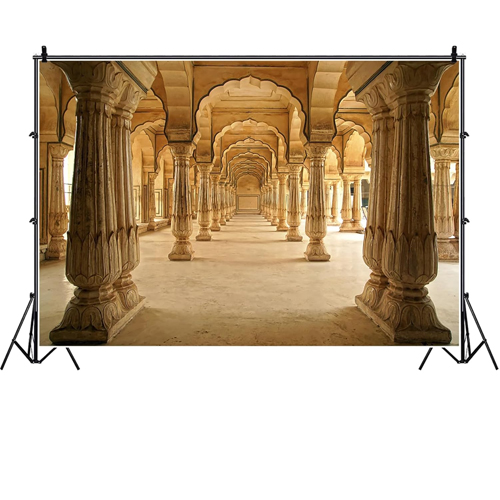
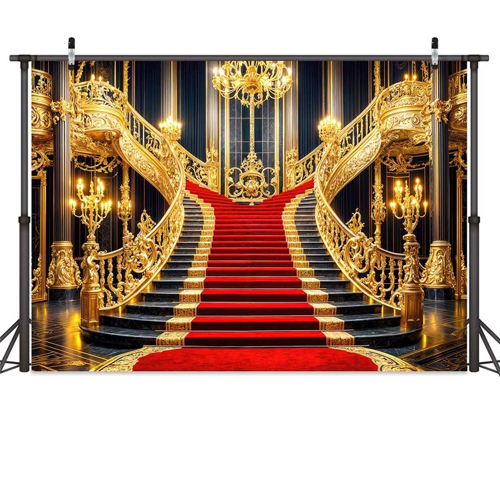
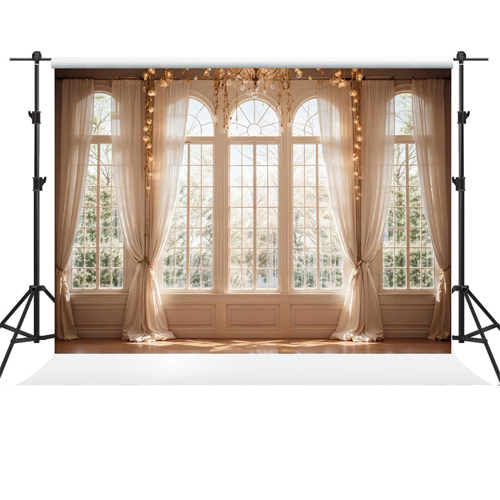
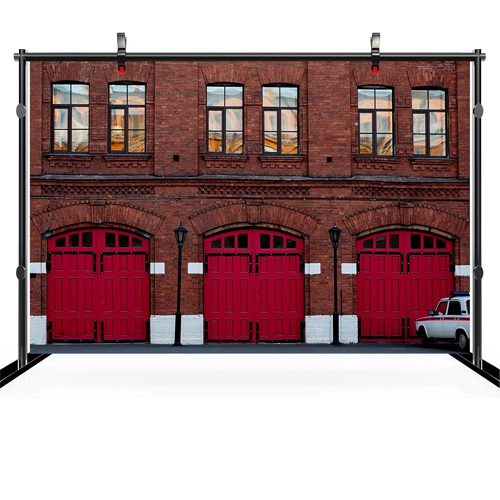
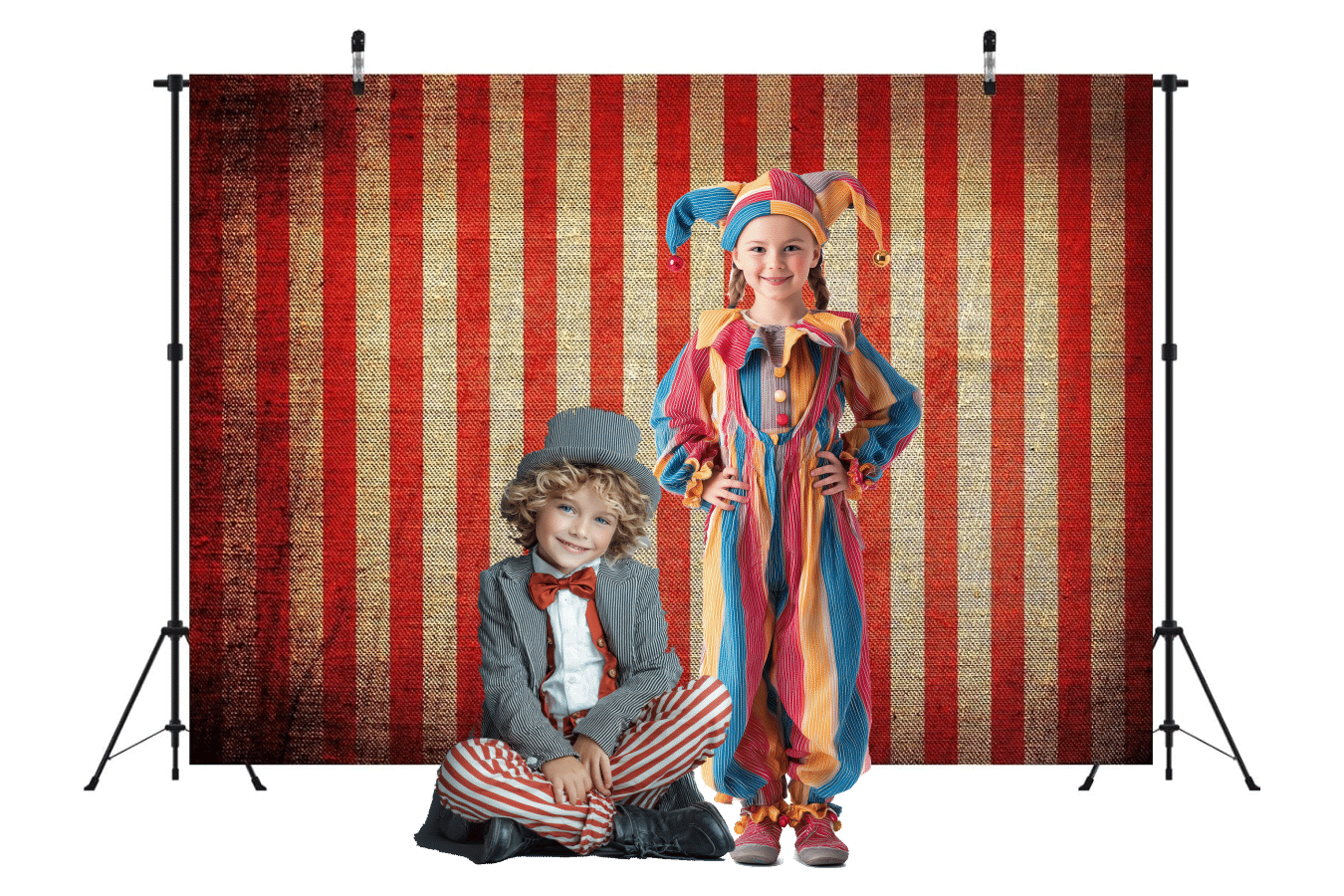
What if instead of your dining room wall, you can have a backdrop that pulls you into the scene of this year’s theme? We say go for it.

Most photo backdrops are in the $10-$20 range.

While you have your backdrop, it’s also good incentive to get everything done early and take those photos on a day BEFORE Purim, so when Purim comes, there’s less photo-getting stress.

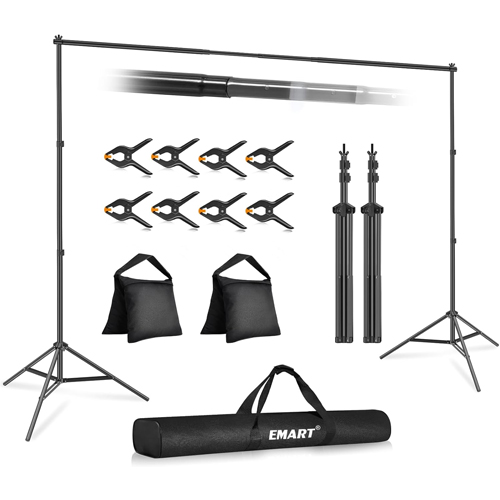
Important! Make sure to check the size of the backdrop and measure your wall.

Pick a size that makes sense to you (and the size of your family). For reference, we used a 10 foot x 8 foot backdrop and it was perfect for a photo which included 4 adults and 3 children. 

We used a ladder and some painter’s tape to hang it up for the day and it lasted just fine. 

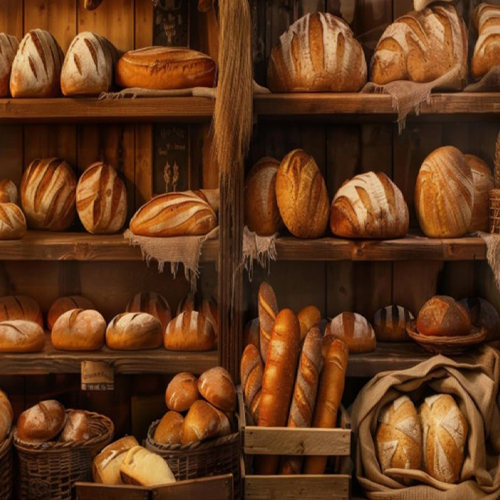
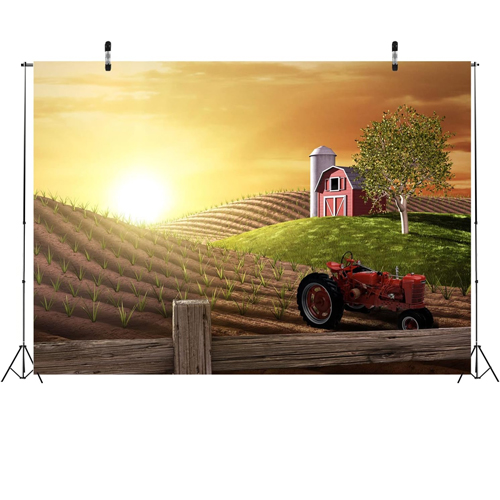
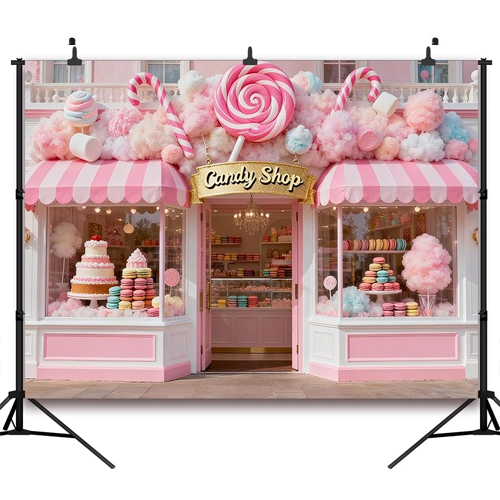
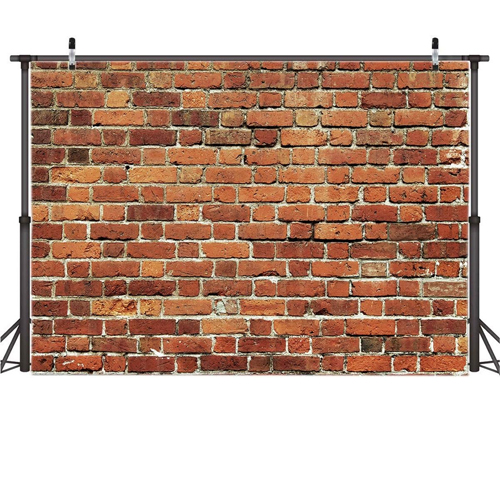
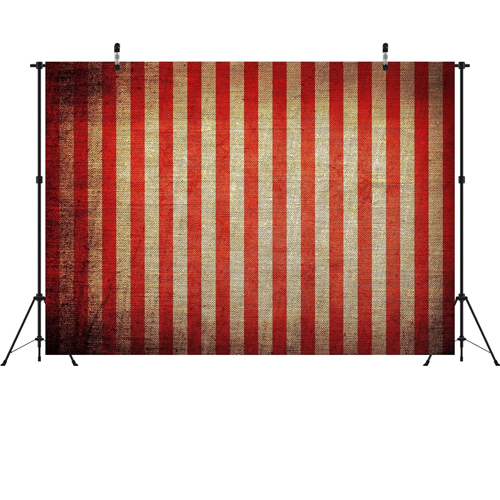
The options are endless! Here are some themes we found but if we missed yours, simply search!
Everything You Need for Your Purim Theme + Mishloach Manos

Between Carpools

Between Carpools is a collaboration between five talented friends who like to get a lot of stuff done “between carpools.” Since 2016, we’ve been sharing home and organizing tips, parenting insights, activities, how-to’s and DIYs, and of course, entertaining ideas, recipes, and inspiring reads both on the site and app.

6 responses to “Add A Backdrop To Your Purim”

  1. Rivka G Avatar
    Rivka G

    If you dont have a backdrop you can also ask ChatGPT to make one with one of your family photos.
    Let it know to make it realistic without touching or altering any of the people… i found this prompt on Kosher.com article
    Generate a ____________ around the family. Using this input image, keep the subjects exactly as in the photo without altering pose, outfit, or features. The lighting and perspective should match the original photo, and the subjects should remain completely unchanged, with the background wrapping naturally around them.”

    1. Lea Avatar
      Lea

      I tried this and it really worked!!! Thanks for the idea

  2. Ch Avatar
    Ch

    Such an adorable idea!

  3. E Avatar
    E

    I used Canva to generate a backdrop. After a few tries it came out adorable.

  4. yael Avatar
    yael

    Min hashamaim, I just finished a work related workshop on zoom where they taught me how to do this on gemini! I took the picture of my son in a costume and it made it look he was there in a construciton site. Pretty cool. I like the prop someone posted above me.

  5. Shany S Avatar
    Shany S

    FEELS like it was all worth it. They all look so cute and so HAPPY… REALLY???

Leave a Reply

Your email address will not be published. Required fields are marked *

This site uses Akismet to reduce spam. Learn how your comment data is processed.

Contact Us

This field is for validation purposes and should be left unchanged.

FREE GIFT!

Close the CTA

Get our BCP Lifepages Planner by signing up to our email list!